

A breach alert or password warning can make you panic fast. That’s usually when people start searching how to remove their information from the dark web and wonder if their data is already exposed.
The hard part is that leaked information usually cannot be fully erased once it spreads online. The real goal is securing your accounts and making the exposed data harder to misuse.
In this guide, you’ll learn how to check if your information was exposed, what steps to take right away, and how to better protect your accounts going forward.
Key Takeaways
- You usually cannot fully remove leaked information from the dark web, because copied data can be shared, sold, or reposted elsewhere.
- The first step is confirming what was exposed, using breach notices, password exposure alerts, or trusted dark web scan tools.
- Most dark web exposure starts with data breaches, phishing, malware, stolen passwords, or reused logins, not the dark web itself.
- Act quickly if your information is exposed: change affected passwords, turn on multi-factor authentication, and secure your most important accounts first.
- Sensitive data exposure needs stronger protection, including fraud alerts, credit freezes, credit report checks, and identity theft recovery steps when needed.
- The real goal is damage control and prevention, by locking down accounts, reducing public exposure, using unique passwords, and monitoring for future misuse.
Is My Information on the Dark Web?
Maybe.
If you got a breach alert, a password warning, or signs of identity misuse, there is a real chance some of your information is already out there. The FTC says people affected by a data breach should first check what information was exposed and take action based on that.
That said, you usually will not know for sure just by guessing.
A lot of people find out because:
- a company sends a breach notice
- Google warns that a saved password was compromised
- a dark web scan flags exposed data
- or strange account activity starts showing up
So if you are asking, “Is my information on the dark web?” the honest answer is:
Possibly, especially if one of your accounts was part of a breach. But you need a proper alert or scan to confirm it.
How to Check if Your Information Is on the Dark Web
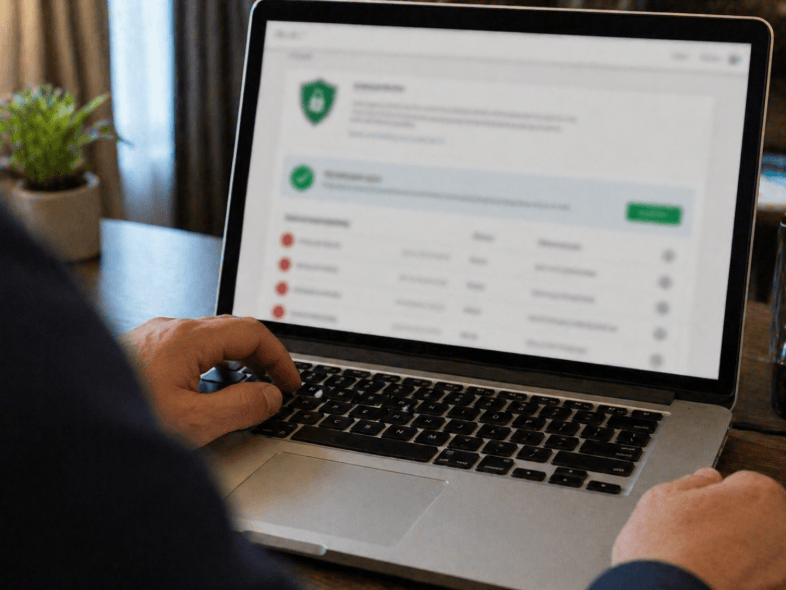
The easiest way to check is to use a trusted breach or password exposure tool, not to try searching the dark web yourself.
A practical way to check is:
- review any data breach notices
- use Google Password Checkup for saved passwords
- use a trusted dark web scan from a reputable provider
- watch for signs like unknown logins, fraud alerts, or strange charges
Google says Password Checkup can show whether saved passwords were exposed in a data breach, and Experian says a dark web scan can look across thousands of sites and millions of data points for exposed information.
The main thing is to keep this simple.
You do not need to go digging through dark websites yourself.
You need to use trusted alerts, check which accounts were exposed, and then act on what you find. That is a much safer and more practical way to see if your information is on the dark web.
📖 You May Also Like This “Tech Security” Article: What is phishing? What to Do If You Click One
How Does Your Information Get on the Dark Web?
Most information gets on the dark web after it is stolen somewhere else first.
That can happen through:
- Data breaches
- Phishing scams
- Stolen passwords
- Malware on a device
- Reused login details
So the dark web is usually not where the problem starts. It is where stolen information may later be shared, sold, or reused.
Simple rule: your data usually reaches the dark web after a breach, scam, or stolen login.
What to Do if Your Information Is on the Dark Web
If your information is on the dark web, the first thing to do is protect the accounts tied to it right away.
Start with the basics:
- change exposed passwords
- use strong, unique passwords
- turn on multi-factor authentication
- secure your most important accounts first
- watch for fraud, strange logins, or unknown charges
Google says to use Password Checkup and change unsafe passwords if they were compromised in a breach. The FTC also says to check what information was exposed and take action based on the type of data involved.
If more sensitive information was exposed, like your Social Security number, bank details, or identity information, take the next step too:
- place a fraud alert
- consider a credit freeze
- review your credit reports
- use IdentityTheft.gov if someone is already misusing your information
The FTC says a credit freeze is especially important if sensitive information was exposed in a breach, and it points people to IdentityTheft.gov for recovery help if their information is being misused.
So the practical answer is simple:
You probably cannot erase every copy of the leaked data.
But you can make it much harder for anyone to use it against you.
How to Remove Your Information From the Dark Web
The hard truth is that you usually cannot fully remove leaked information from the dark web once it has already been copied or shared. That’s why the real goal is usually not deleting every copy. It is reducing the damage and making the exposed information harder to misuse.
Focus on the steps that still help:
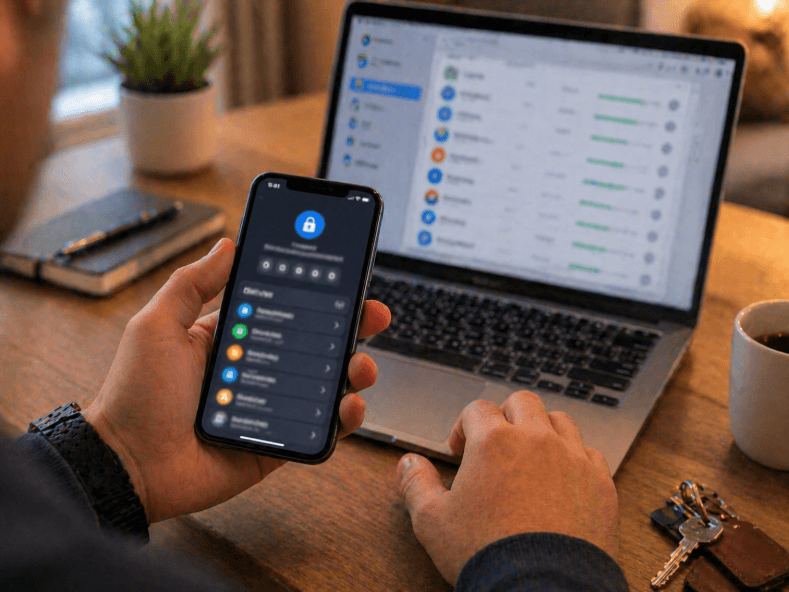
- Change exposed passwords
- Turn on multi-factor authentication
- Secure your most important accounts first
- Watch for fraud, strange logins, or unknown charges
- Remove information from places you still control, like some public people-search sites
Simple rule: you may not be able to erase leaked data, but you can make it much less useful to anyone trying to abuse it.sure.
How to Protect Your Information From the Dark Web
The best way to protect your information from the dark web is to make it harder for your data to get stolen in the first place.
That usually comes down to a few basic habits:
- use strong, unique passwords
- use a password manager
- turn on multi-factor authentication
- watch for breach alerts
- avoid phishing links and fake logins
- keep your recovery email and phone updated
- monitor bank, credit, and account activity
CISA recommends strong unique passwords and MFA as core protection steps, and Google’s Password Checkup guidance helps users spot exposed passwords before they keep being reused.
If especially sensitive data is involved, like your Social Security number or financial information, it also makes sense to:
- place a fraud alert
- consider a credit freeze
- and review your credit reports regularly
The FTC says fraud alerts and credit freezes are important tools when sensitive personal information may be exposed.
So the simple version is:
You may not be able to control every breach.
But you can make your accounts harder to break into, your passwords harder to reuse, and your exposed information much less useful if it ends up in the wrong place.